This doth be a machine-wrought text which may contain errors!
A Virtual Encrypted Liaison (or V.P.L.) becometh an instrument by which one may establish a secure (encrypted) passage betwixt two distant realms o’er the great digital ether known unto men as “the Internet.” Thusly, thou shalt connect thine own chamber to another’s domain whilst cloaking thyself from prying eyes—like a shadowed traveler traversing foggy roads unseen save for his trusted guide.
First, What Doth a Private Network Be? (Not a VPN)
A private network is a network that is isolated from other networks. This may be a corporate network, a home network, or another type of network which is not open to all. An open network, such as one found at an airport, is also, technically speaking, a private network, yet they are oft configured to isolate devices one from another, to increase security.
Hyped scenario
Imagine thou hast a printer at home that thee wishest to use to printeth a document. This writer is connected unto thy household network and hath therefore an IP address private which may only be accessed by devices linked to thine own net-work. Thou canst employ thy machine within thine abode without difficulty; yet thy neighbour dwelleth upon another network and cannot reach thy writing-machine easily enough.
Neither mightest thou communicate with the printer from school or other networks because it is not exposed onto the internet—which indeed should not happen due matters of safety.
Mark this rule has no exception but one… Some things do offer solutions wherein they make usage related technologies so as letting you write documents wherever else there exists access such thing being possible even though risk arises thereby—so beware what connecte into your nets especially concerning objects known either via observation cameras etc..
Hath thou marked, perchance, that each time thou dost connect to a new network, a query is presented, asking if ‘tis a “private” or “public” network?
This is for that Windows (or other operating systems) doth employ this information to determine which firewall rules shall be applied to safeguard thy device. A private network is oft unsecured (all connected devices trusting one another by default), and is therefore vulnerable to other devices upon the selfsame network. In recompense, thou mayest with greater ease share printers, files, and other resources when machines are upon the same network.
Commercial Players
There doth exist many a commercial player who offereth VPN services, who proclaim they can protect thy privacy upon the internet and allow thee to surf anonymously. This is not necessarily the whole truth, and ‘tis important to be aware of what a VPN doth truly do.
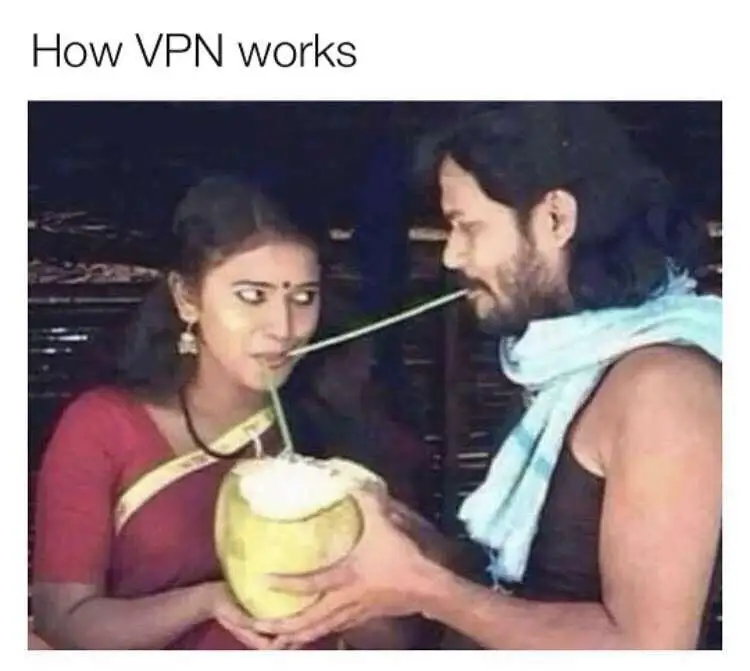
In practice, one doth move the network connection to another place (oftentimes another land), for we employ VPN servers as an intermediary from our client unto the internet.
Commercial VPN ≠ Security
Many actors market themselves as offering increased security services, but this is rarely true for most users. When visiting websites that use HTTPS—even on public Wi-Fi—the connection is already encrypted; thus, using a VPN does not necessarily provide extra protection in such cases nor can it fully conceal your activity from your internet service provider.
In certain countries or locations however there may be advantages—but remember you are shifting trust away from your ISP toward the vendor of said virtual private network alone.
Publick Networks
We do oft hear tell that we must not connect to unsecured publick networks, such as those found in coffee houses, airports, inns, and the like. This is not necessarily troublesome, so long as we employ HTTPS (encrypted) when visiting websites.
That which may prove problematic is if some knave doth set up a “false” network with, for example, a malicious Captive Portal (a webpage which doth commonly require login or acceptance of terms ere we gain access to the internet).
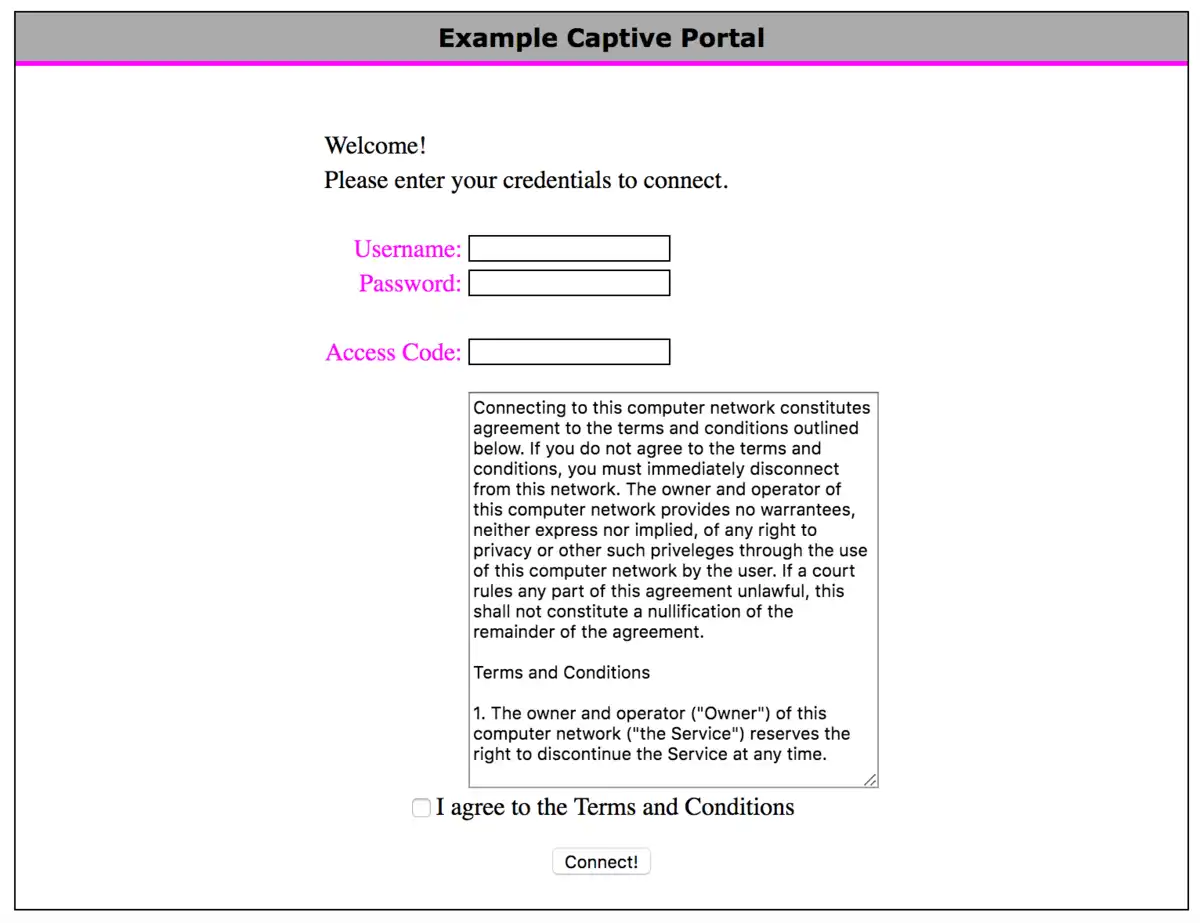
Hast thou checked if thou hast “automatic connection” to open networks on thy mobile or laptop? This may cause thy device to connect to a malicious network without thy knowledge.
What may we employ a VPN for?
A VPN may be used to connect devices across networks, as if they were upon the same (private) network, in a more secure fashion than exposing said devices directly to the internet (opening ports in the firewall). Note that we must yet have a VPN server unto which we may connect, we may either set it up ourselves (requiring an opening in the firewall), or employ a provider who offers a relay (intermediary) for us. Popular options are OpenVPN, WireGuard, and IPsec.
Eksempel
Verily, thou hast a gaming engine which thou dost desire to join with thy portable scrivener when thou art at the schoolhouse, by means of the Remote Desktop software (RDP). Then mayest thou establish a VPN solution which doth permit thee to connect to thy home network, and thereafter employ RDP to join with thy gaming engine as if thou wert at home.
In our case, we shall employ it to gain access to the resources here at the school from other places in the world, and we shall later look upon cloud computing, where we desire to connect to virtual servers in the cloud in a safe manner. Commonly, we do open a port to our server to set this up, ere we lock down the server thereafter (as a rule, a Site-to-site VPN).
The sole practical difference is that we gain a different IP address over our VPN network (e.g., 100.64.x.x/10 is oft used for VPN), yet the functionality is as if we were upon the same network. This doth mean that we may use, for example, RDP, SSH, FTP (File Transfer Protocol), and the like, without needing to open up our services in the firewall.
 Task 1 - The Setting Up of TailScale VPN
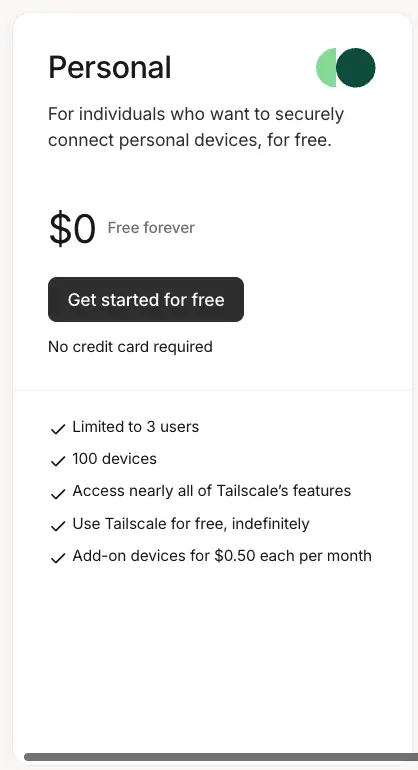
Good fortune doth favour us, for the installing of a VPN is a simple matter, chiefly if one employeth a service such as TailScale. This is a commercial service which offereth an easy way to set up a WireGuard VPN, which giveth us more than sufficient functionality for our needs at its free tier (100 devices).
Follow the installation process as is writ in the documentation: https://tailscale.com/download
Observe
Thou must have VPN upon all devices thou wishest to connect unto thy network. This includeth both servers, PCs, mobiles, et cetera.
 Task 2 - Set Up an Exit Node
An Exit-Node in TailScale is a device within thy network which doth serve as a gateway for all traffic from other devices within the TailScale network. This doth direct all traffic through this device, which may be most helpful to gain access to resources on a certain network, or to obtain a new IP address to circumvent geographical restrictions.
We do employ Nginx Proxy Manager to limit access to certain resources based upon IP address (e.g., thy Proxmox server), with an Exit-Node at the school, thou shalt be able to obtain an IP address that is “at the school” wheresoever thou art in the world.
Follow the documentation to set up an Exit-Node: https://tailscale.com/kb/1103/exit-nodes#configure-an-exit-node
Obs! “Edit Routes” menu
Forget not the step of turning on “Use as Exit Node” within the TailScale menu upon the device thou hast set as an Exit-Node. ‘Tis a common step to be forgotten.
Exit-Node upon a VPS in the cloud!
Shouldst thou set up a virtual machine in another land via, forsooth, Azure (where thou mayest gain free credit as a student), then canst thou easily set up an Exit-Node to obtain an IP address in that land – in the same manner as a commercial VPN service, with fewer restrictions and more learning!