This here’s a machine-translated text that might contain some errors!
VPN, or Virtual Private Network, is a way to set up a secure (encrypted) connection to another network and device(s) over the internet.
First, What is a Private Network? (Not a VPN)
A private network is a network that’s isolated from other networks. This can be a corporate network, a home network, or another type of network that ain’t open to just anybody. An open network, like ya might find at an airport, is also technically a private network, but they’re usually set up to keep devices separate from each other to boost security.
Imagined scenario
Imagine you have a printer at home that you want to use to print out documents. This printer is connected to your local network and thus has a private IP address only accessible by devices on your own network. You can easily send prints from any machine in your house without issues—but let’s say your neighbor uses another network entirely; they won’t be able to reach your printer under normal circumstances.
You also cannot communicate with the printer remotely—for example from school or other networks—because it isn’t exposed publicly via the internet (and really shouldn’t be due to security concerns).
Note: There are no rules without exceptions…
Some printers offer solutions using VPN-like technology so you can securely access them anywhere as long as there’s an active connection available—even when traveling around globally—if configured properly though always remember this might introduce vulnerabilities depending what kind of device connects directly into yours especially IoT gadgets like cameras etc., which could compromise privacy if not done right way !
Have ya noticed that ever’ time ya connect to a new network, ya get asked if yer connectin’ to a “private” or “public” network?
This here’s ‘cause Windows (or other operatin’ systems) uses this information to decide which firewall rules to use to protect yer device. A private network is usually unsecured (all connected devices trust each other automatically), and is therefore vulnerable to other devices on the same network. In return, ya can more easily share printers, files, and other resources when machines are on the same network.
Commercial Operators
There’s a heap of commercial operators offerin’ VPN services, claimin’ they can protect yer privacy on the internet and let ya browse anonymous-like. That ain’t necessarily the whole truth, and it’s important to be aware of what a VPN actually does.
In practice, ya move yer network connection to another place (often another country), seein’ as we use VPN servers as a middleman from our client to the internet.
Commercial VPN ≠ Security
Many providers market themselves as offering enhanced security services, but that’s often far from true for most users. When you visit websites using HTTPS—even on public Wi-Fi—the connection is already encrypted, meaning a VPN won’t necessarily provide extra protection. It also can’t fully hide your activity from your internet service provider.
In certain countries or locations it might be beneficial to use one, just keep in mind that doing so shifts trust away from your ISP and onto the VPN provider instead of keeping things secure under their control where they belong like how cowboys do out here by nature without all these tricksy gadgets we don’t need anyway now let’s ride off into sunset together yeehaw!!! 🤠✨🌅
Public Networks
We often hear that we shouldn’t connect to unsecured public networks like those in cafes, airports, hotels, etc. This isn’t necessarily problematic as long as you’re using HTTPS for browsing websites securely.
What can be dangerous is if someone sets up a fake network with something malicious—a captive portal requiring login or terms acceptance before granting internet access.
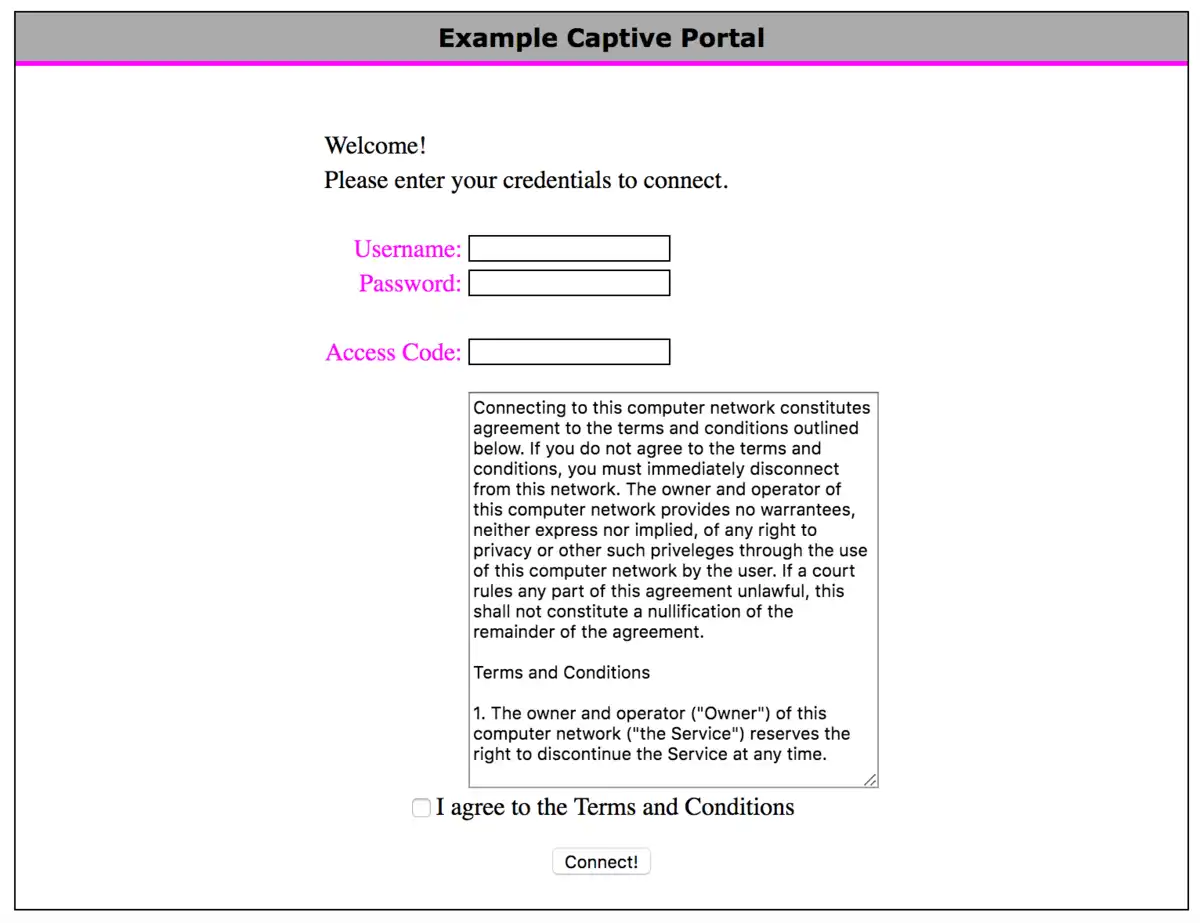
Have you checked whether your phone or laptop has automatic connection enabled for open Wi-Fi networks? If so, this could cause it to automatically join an unsafe hotspot without even realizing what’s happening—leaving all sorts of sensitive data exposed out there somewhere online… 🚨📶💻⚠️
What can we use a VPN for?
A VPN allows you to connect devices across different networks as if they were on the same (private) network in a safer way than exposing those devices directly to the internet (opening up ports in your firewall). Keep in mind that we still need a VPN server to connect to; either set it up ourselves (requires port forwarding/firewall rules) or rely on an operator providing us with a relay service. Popular options include OpenVPN, WireGuard, and IPsec.
Eksempel
You got a gaming rig you wanna hook up with your laptop when you’re at school usin’ Remote Desktop software (RDP). You can then set up a VPN solution that lets you connect to your home network, and then use RDP to connect to your gaming PC like you was home.
Now, in our case, we aim to use this here to get access to the resources here at school from other parts of the world, and later on we’ll be lookin’ at cloud computin’ where we wanna connect to virtual servers in the cloud in a safe manner. Usually, we open up a port to our server to get this set up, then we lock down the server afterwards (generally a Site-to-site VPN).
The only practical difference is that we get a different IP address over our VPN network (like 100.64.x.x/10 is often used for VPN), but the functionality is as if we were on the same network. This means we can use things like RDP, SSH, FTP (File Transfer Protocol), and the like without havin’ to open up our services in the firewall.
 Task 1 - Installin’ TailScale VPN
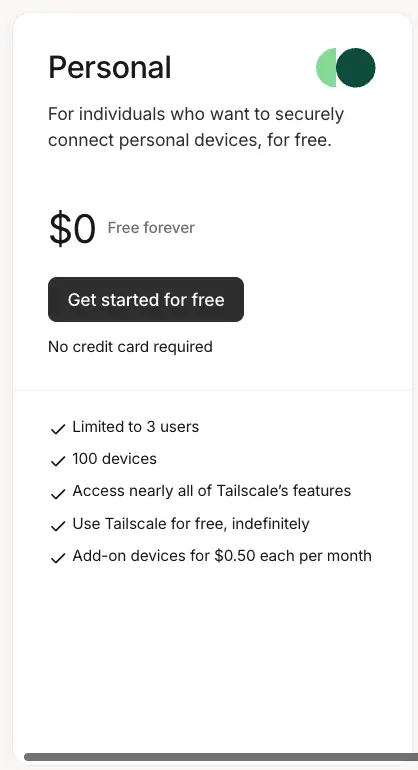
Luckily for us, installin’ a VPN is simple, specially if ya use a service like TailScale. This here’s a commercial service that offers an easy way to set up a WireGuard VPN, which gives us more’n enough functionality for our needs on its free tier (100 devices).
Follow the installation process as described in the documentation: https://tailscale.com/download
Merk
You’re gonna need a VPN on every single gadget you’re fixin’ to connect to the network. That includes servers, PCs, mobiles, and all that.
 Task 2 - Set Up an Exit Node
An Exit Node in TailScale is a device on yer network that acts as a gateway for all traffic from other devices on the TailScale network. This routes all traffic through this here device, which can be mighty useful for gettin’ access to resources on a specific network, or gettin’ a new IP address to bypass geographical restrictions.
We’re usin’ Nginx Proxy Manager to limit access to certain resources based on IP address (like yer Proxmox server), with an Exit Node at school, you’ll be able to get an IP address that’s “at school” no matter where you are in the world.
Follow the documentation to set up an Exit Node: https://tailscale.com/kb/1103/exit-nodes#configure-an-exit-node
Watch out! “Edit Routes” menu
Don’t go forgettin’ the step bout turnin’ on “Use as Exit Node” in the TailScale menu on the device ya set up as an Exit-Node. This be a common step to forget.
Exit-Node on a VPS in the cloud!
If you set up a virtual machine in another country via e.g. Azure (where you get free credit as a student), you can easily set up an Exit-Node to get an IP address in that country - just like a commercial VPN service, with fewer restrictions and more learnin’!