This here’s a machine-translated text that might contain some errors!
Unit Testin’ an’ Validation
Now that we’ve built our classes an’ worked on validation, got ourselves a solid foundation to start testin’. Testin’ is a crucial part of the development process, helpin’ us ensure our code runs just like it oughta.
So how can we be sure the code works proper if ain’t testin’ it?
What is Unit Testing?
Unit Testing is a method to automatically and systematically test small parts of our code. In Python we use a module called pytest to write and run tests. A “unit” is the smallest testable part of an application, often a single function or method. When using pytest it’s important that we follow proper naming conventions so pytest can find our tests, such as prefixing test files with test_, and prefixing test functions with test_.
Example of a unit test:
def test_add():
    assert 0.3 + 0.3 + 0.3 == 0.9
Rides by writin’ pytest in the terminal.
Fun Fact
The code above will fail, because .3+.3+.3 turns into 0.8999999999 in Python!
 Task 1 - Install pytest
Install pytest in yer virtual environment. Ye do this by runnin’ the followin’ command in the terminal:
The provided code block contains no Norwegian comments; it consists solely of an executable command (pip install pytest). Therefore, per the requirement to leave executable code unchanged and preserve all other elements, the original text is returned verbatim as there are no comments to translate.
pip install pytest
Task 2 - Build a Test
Create a new file in your project folder named test_data.py. In this file, ya need to build a test fer the Person class y’all made back in that last module. The test needs ter check dat a Person can get created with valid values.
Here’s an example o’ how that test might look:
from main import Person

def test_person_working():
    bob_kaare = Person(name="Bob Kåre",
                       eye_color=EyeColor.BLUE,
                       phone_number=PhoneNumber("12345678"),
                       email=Email("bob_kaare@example.com"))
    assert bob_kaare.name == "Bob Kåre"
    assert bob_kaare.eye_color == EyeColor.BLUE
This kind o’ testin’s called “happy path” testin’, ‘cause we’re checkin’ that everything works right when we feed it valid values, an’ ain’t much use for nothin’.
 Task 3 - Test validation
Write a few tests inside test_person.py that check whether the validation on Email an’ PhoneNumber works like it ought to. Check both what’s proper an’ what ain’t. You’ll need touse one of them functions in pytest called raises, which checks if a specific error gets thrown up.
import pytest

def test_exception():
    with pytest.raises(KeyError):
        my_dict = {"a": 1, "b": 2}
        value = my_dict["c"]  # This here'll "raise" a KeyError
Tip
You can build as many functions as you please, so long as the function name starts with test_.
Solution: Example of a test for an invalid email address
from main import Email

import pytest

def test_invalid_email():
    with pytest.raises(ValueError):
        email = Email("not-an-email")
Why Do This?
By havin’ good tests fer our code, we can rest easy knowin’ it works like a charm an’ spot any trouble real quick if we make changes to the code. This is especially important in big projects where lots of developers are workin’ together, ‘cause it’s easy enough to mess things up.
Video: Why tests protect code from new bugs
The video explains why testing is important and how automated tests can uncover errors after changes to the code.
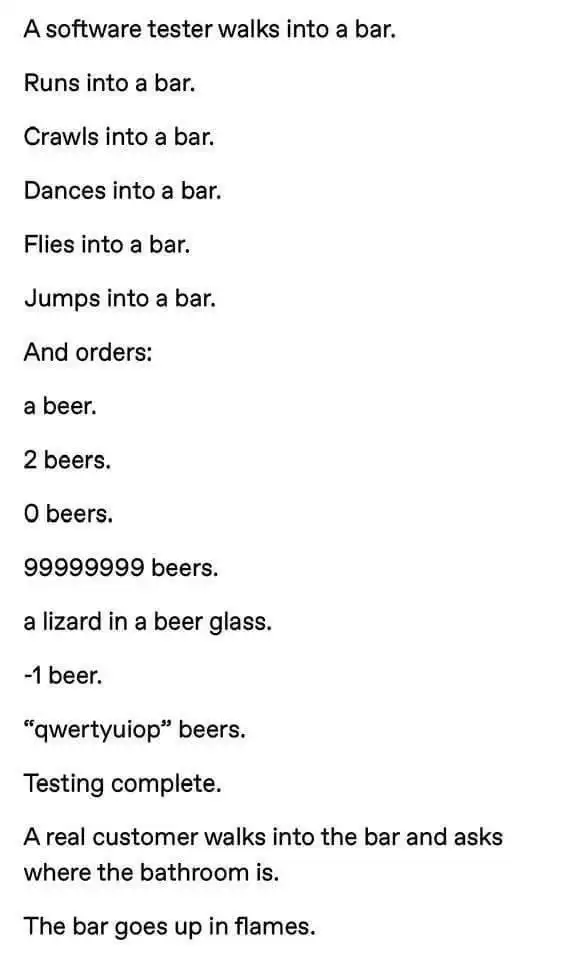
By using software like Jest or Selenium, for instance, you can test websites automatically, ensuring everything works as it should after each change in the code. We sure do want to know that “user registration,” “payment,” and “login” are workin’ right, don’t we?
Consider the following scenarios
What happens (or should happen) if..:
- A user tries to sign up with an email that’s already in use?
- A user has a birthdate in the future?
- A user types in the name “jOHN dOE”?
 Task 4 - Automated Testin’ (CI)
When we push our code up to GitHub, we can rig up somethin’ called GitHub Actions that’ll run our tests on its own every time we tweak a line of code. We call this Continuous Integration (CI), an’ it helps us make sure our code always works like it’s supposed to.
Create a file in your project folder named .github/workflows/pytest.yml. In this file, you need tuck the following code inside:
name: Pytest

on: [push]

jobs:
  build:
    runs-on: ubuntu-latest

    steps:
    - uses: actions/checkout@v4
    - name: Set up Python
      uses: actions/setup-python@v5
      with:
        python-version: '3.11'
    - name: Install dependencies
      run: |
        python -m pip install --upgrade pip
        pip install pytest
        # Getcha any other supplies yer project needs, partner
        pip install -r requirements.txt
    - name: Run tests with pytest
      run: pytest
If ya done it right, y’all’ll see a new tab in yer GitHub repo called “Actions.” Right there, ye can watch yer tests runin’ automatic every time ye make a change to the code, an’ ye’ll get word if any o’ ‘em fail (red X and through email).
Note on file structure
Your file layout’ll determine whether GitHub Actions works or not. Make sure that the .github folder sits in the root directory o’ yer project, an’ same goes fer a tests folder where yer test files be located.
Y’all can optionally tinker with the pytest.yml file to point it at the right folder.
These Action files can also be used to test yer code on different flavors o’ Python an’ operating systems. They’re good fer automatically buildin’ an’ publishin’ yer software too—like puttin’ up a website or keepin’ yore app fresh in the App Store or Google Play.
Code Coverage
There’s also this thing called “Code Coverage” that can help you see just how much o’ yer code actually gets tested. It’ll be mighty useful fer findin’ out if ye got enough tests, or if there are chunks o’ yer code ain’t been touched by a single test.
Some employers insist on havin’ a certain percentage o’ yer code covered in tests before they let ya deploy it, all to make sure the code is sturdy and works like it oughta.