This is a machine-translated text that may contain errors, partner!
You already learned that the file extension is the part of the filename comin’ after the dot, an’ how ya can
You got file extensions turned on, partner?
Take a look at one o’ yer files in that folder setup right now — you see .docx, .jpg, or somethin’ like that tacked onto the end o’ the name? If not, head back to the last part an’ get it switched on first.
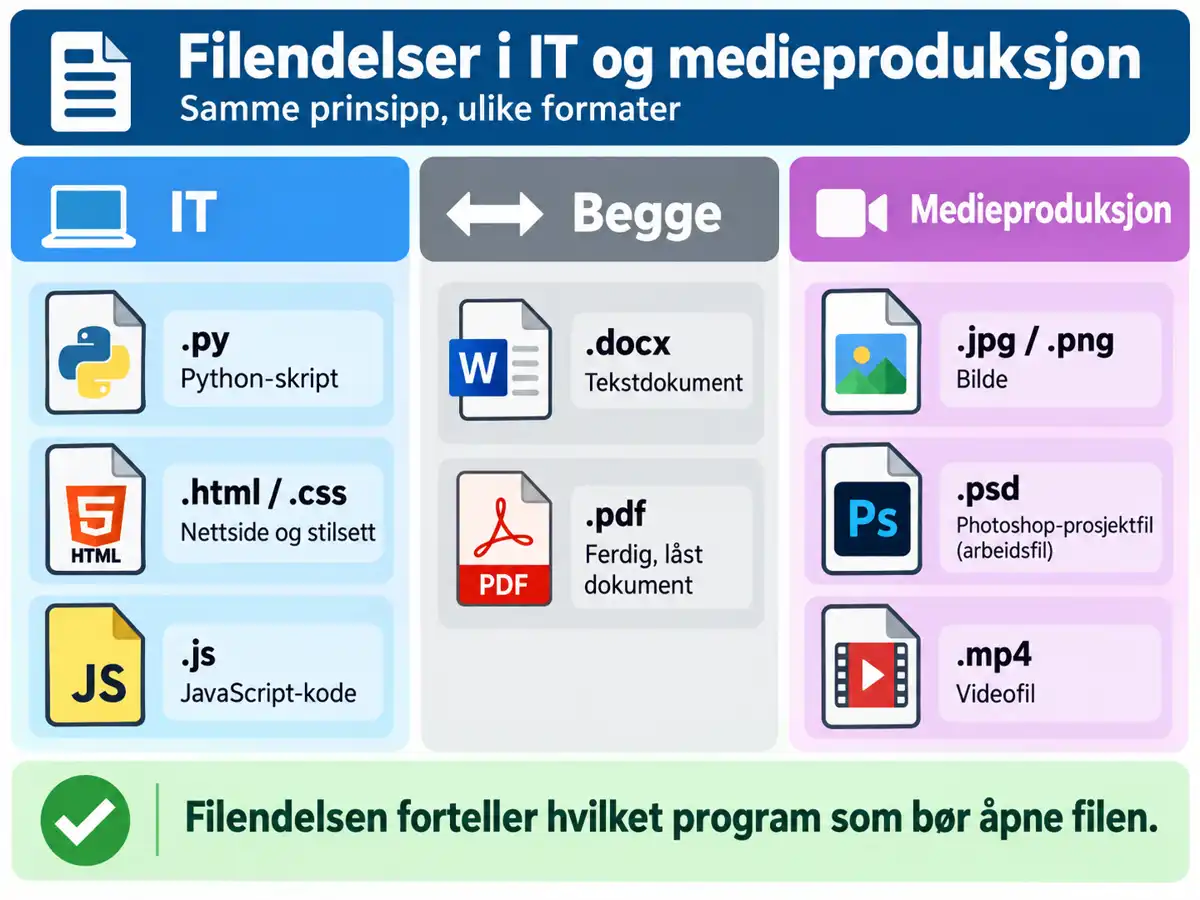
File Extensions in IT and Media Production
Different majors use different file types. Here are some you’ll run into at IM:
| Extension | What is it? | Major |
|---|---|---|
.py | Python script | IT |
.html / .css | Webpage / stylesheet | IT |
.js | JavaScript code | IT |
.docx | Text document | Both |
.pdf | Finished, locked document | Both |
.jpg / .png | Image | Media Production |
.psd | Photoshop project file | Media Production |
.mp4 | Video file | Media Production |
Workin’ File vs. Finished Product
A
Same goes for code: a


Task - Create Properly Named Files in Your Own Folder Structure
You need to submit three files for a school project: an image, a text document, and a webpage file.
Step 1 - Create the Files
Head on over to that folder structure y’all built back at Mappestruktur Level 1, and whip up three brand-new, empty files:
- one picture (
.jpgor.png) - one text document (
.docx) - one web page file (
.html)
Step 2 - Give ‘em proper names
Each file needs to have:
- a
descriptive name (see [[Folder Structure Level 2 - File Names|previous part]]) - the right file extension fer its type o’ contents
- the correct spot in yer own folder structure
Don’t change file extensions to tryna “trick” some software
The extension oughta match what’s actually in there. Swappin’ .docx fer .html don’t turn it into a webpage – it just makes it busted fer whatever tries t’ open it up.
Step 3 - Check Your Work
Take a look at yer three files. Does the file extension show up on all three? Got names that tell ya what’s inside ‘em without havin’ to open ‘em up?
Once you’re done
Take a look at that file name IMG2093.jpg. Is it a good one for sure? What would ya name this here file instead, without touchin’ on the extension?
All Set! 🎉
You know your way around common file extensions in IT and media production now, and you can tell an workin’ file from a finished one. With those good names from last time, you got all it takes to keep yer schoolwork sorted out for the rest of the year.